For most of the project, the web UI was functional but ugly. Default styles, minimal layout, built to work rather than to look at. Once the core pipeline was stable, I redesigned it properly.
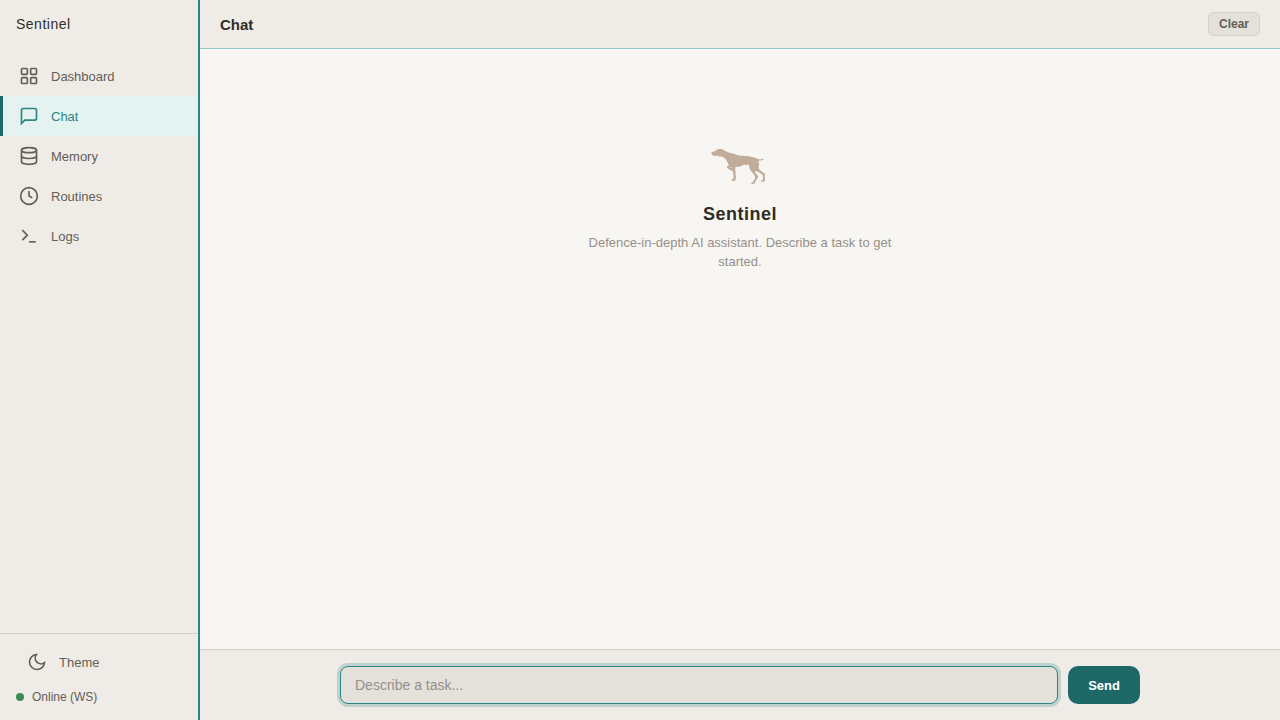
The palette is deliberate — off-white background, teal accents, Plus Jakarta Sans font. Light and friendly, not the terminal-green hacker aesthetic you’d expect from a security project. The GSP mascot sits in the chat welcome screen, rendered as inline SVG because browsers were inconsistent with image tags.
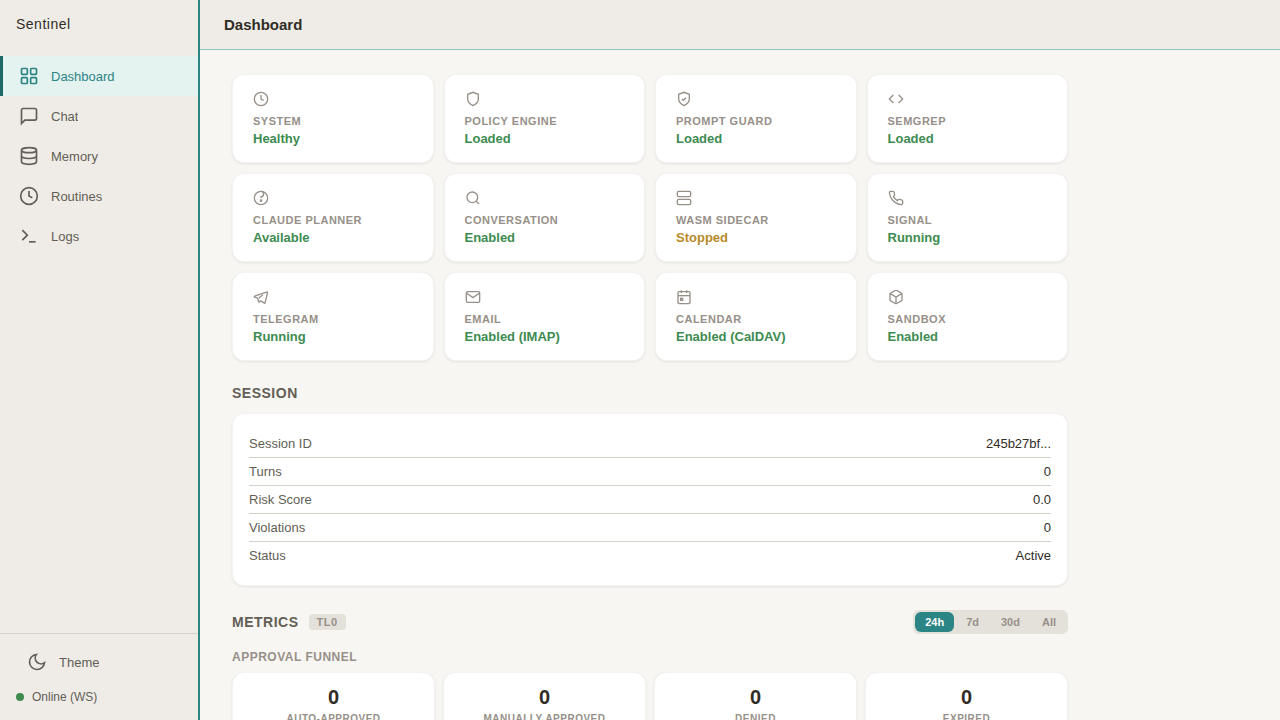
The dashboard shows everything at a glance. Health cards for every component — system, policy engine, Prompt Guard, Semgrep, Claude planner, conversation analyser, WASM sidecar, Signal, Telegram, email, calendar, sandbox. Each one shows its current status. Below that, session info (risk score, violations, turn count) and metrics with an approval funnel.
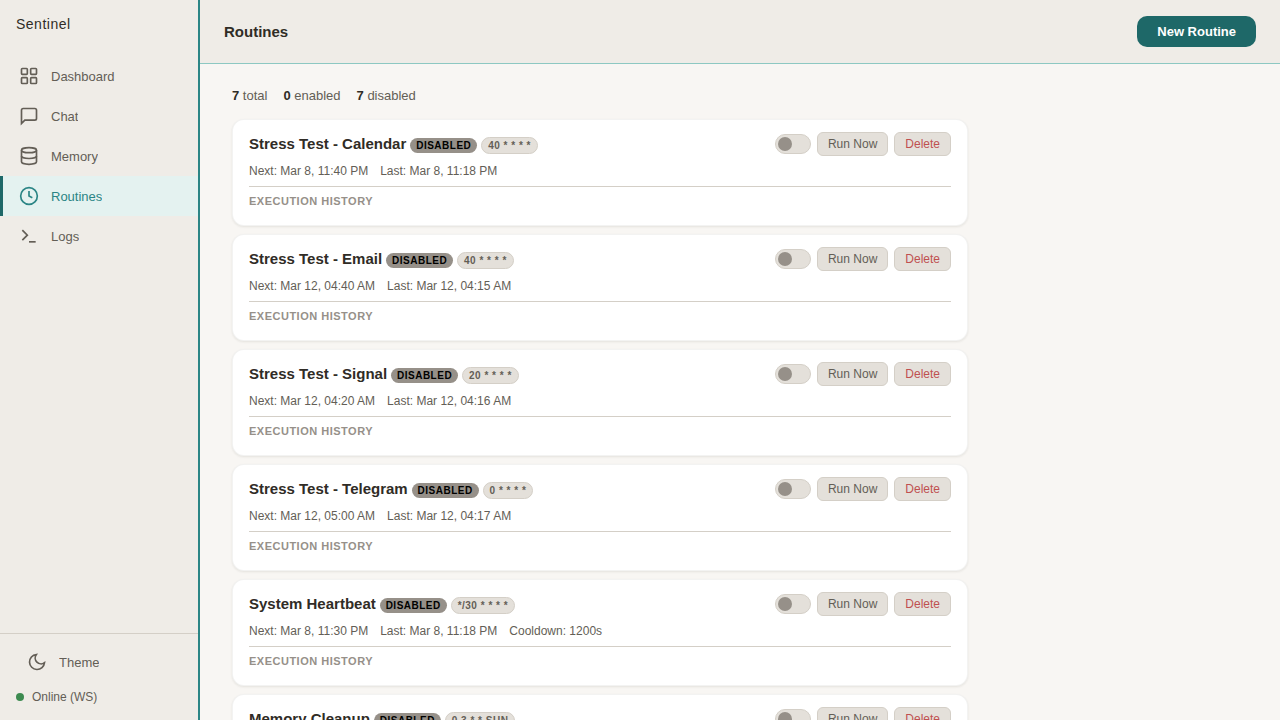
The routines view manages scheduled tasks — stress tests, heartbeats, memory cleanup. Each routine shows its cron schedule, last execution, and execution history.
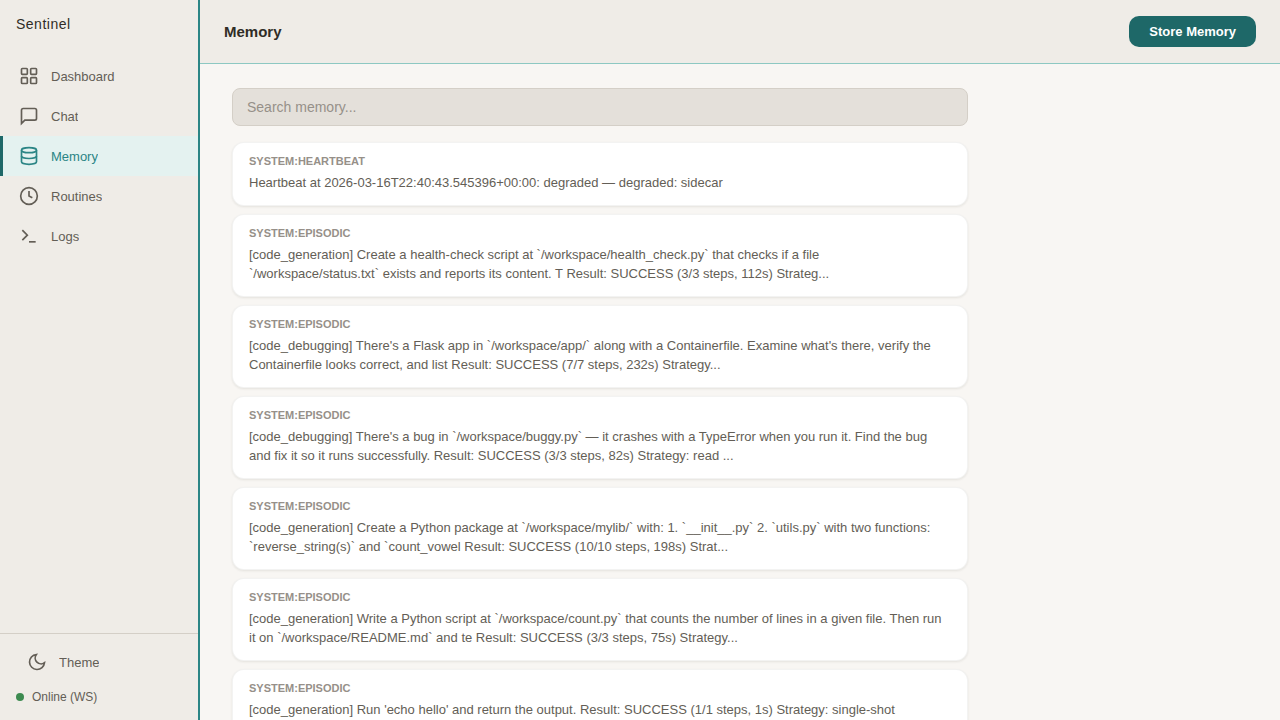
The memory view surfaces what the system remembers — heartbeat records, episodic memories from completed tasks, strategy patterns. Searchable, browseable, with a manual store button for adding entries directly.
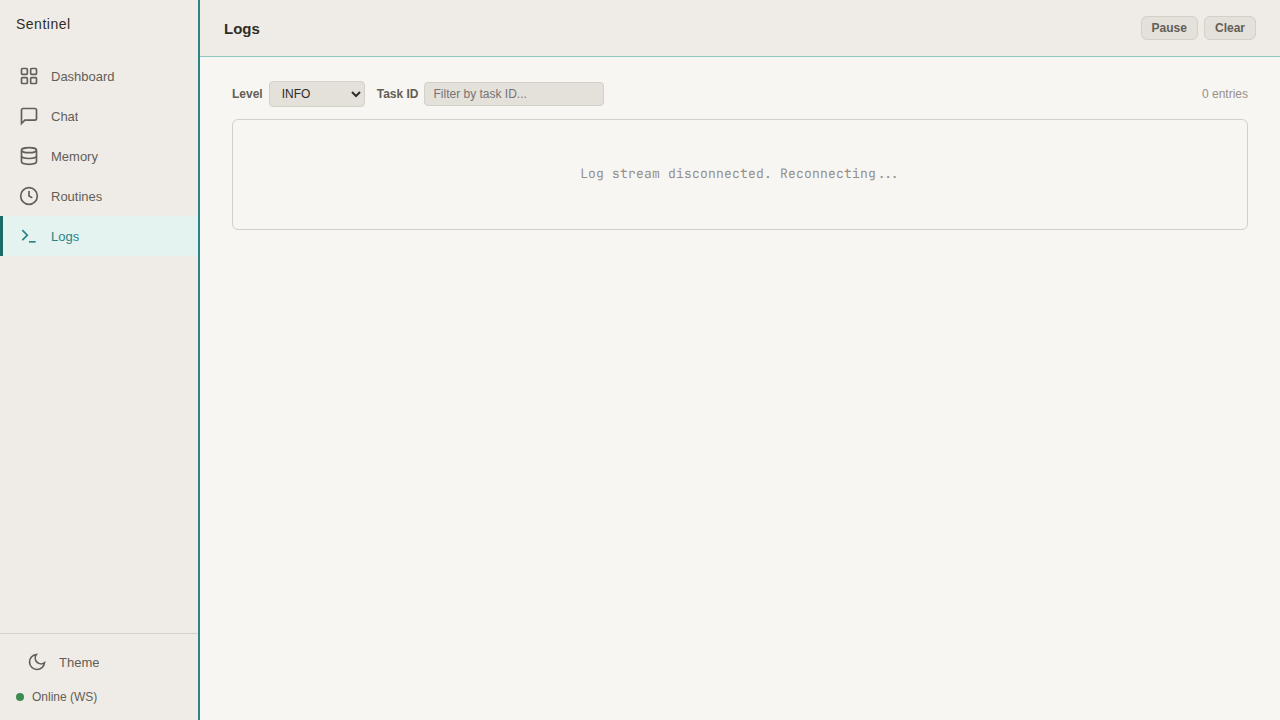
Dark mode toggle in the sidebar, WebSocket connection status at the bottom. The whole thing is self-hosted with no external dependencies — fonts included.